

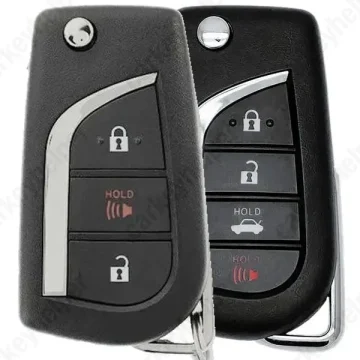
Scion iM 2019 Remote Key
Toyota Remote Key (ID8A) 12BFB
Overview
Key Type
Remote Key
Markets
USA
Transponder
ID74 (H CHIP)
Separate
Frequency
315 MHz
Battery
CR2032
Transponder Cloning
Yes
Skill Level
Skilled
Original Keys
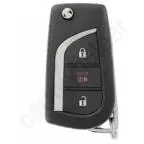
HYQ12BFB 3Buttons 89070-12C20: Corolla iM 17-18, Scion iM 17-18
Direct Programming to another vehicle
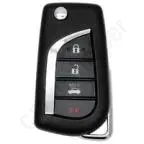
HYQ12BFB 4Buttons 89070-06790/33E90: Corolla 20-21, Camry 18-23
Direct Programming to another vehicle
Overview
Add key
OBD
All keys lost
Eeprom/Bench
System
Toyota H
Prepare dealer key
No
Remote programming
OBD
All keys erased automatically
Not specified
Power supply
Recommended (if under 11.5V)
Additional cables required
No
Key Programming via OBD
General Instructions
- The OBD Socket is located above the pedals in the drivers footwell.
- Remote functions are programmed with diagnostics
- Add key function requires a working key.
Key Programming via EEPROM
Unit - Immobox
Original transponder: H (ID74)
Allowed transponder: H (ID74)
Immo location: Behind the dashboard
Procedure: start by selecting the appropriate car model in the programmer and follow the instructions for the correct connection, refer to user manual if needed.
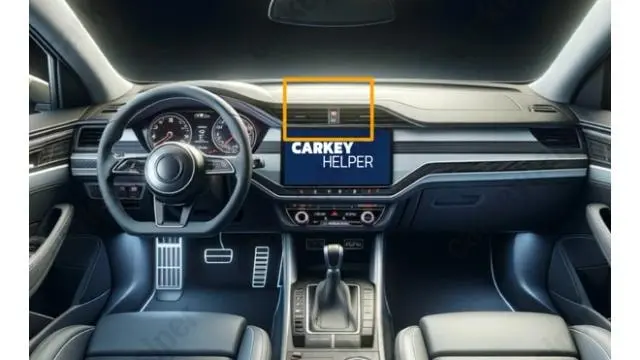
Unit location
Behind the dashboard
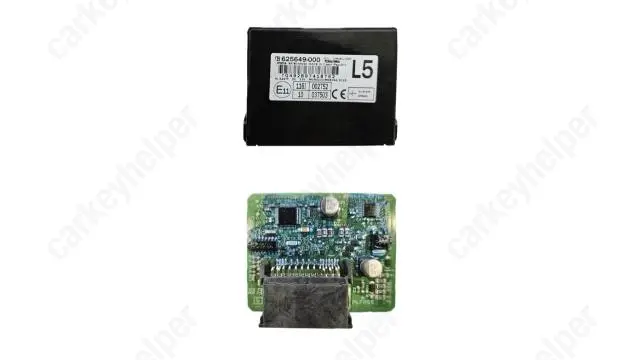
Unit
Programmers
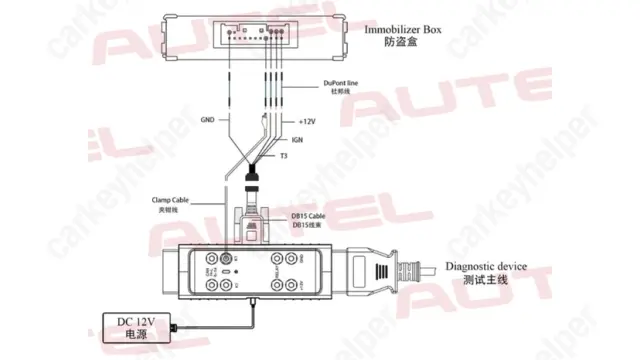
Autel
Immobilizer Programming
Remote Programming
Abrites AVDI
Immobilizer Programming
Remote Programming
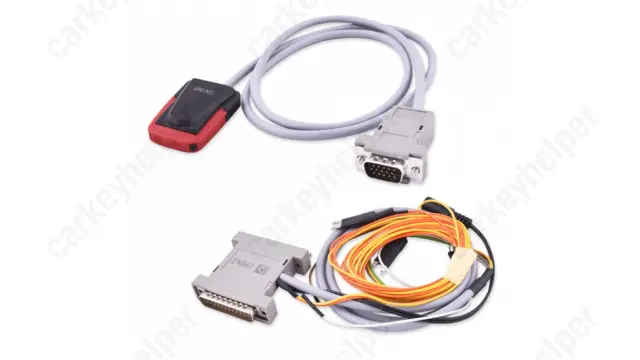
Xhorse
Immobilizer Programming
Remote Programming
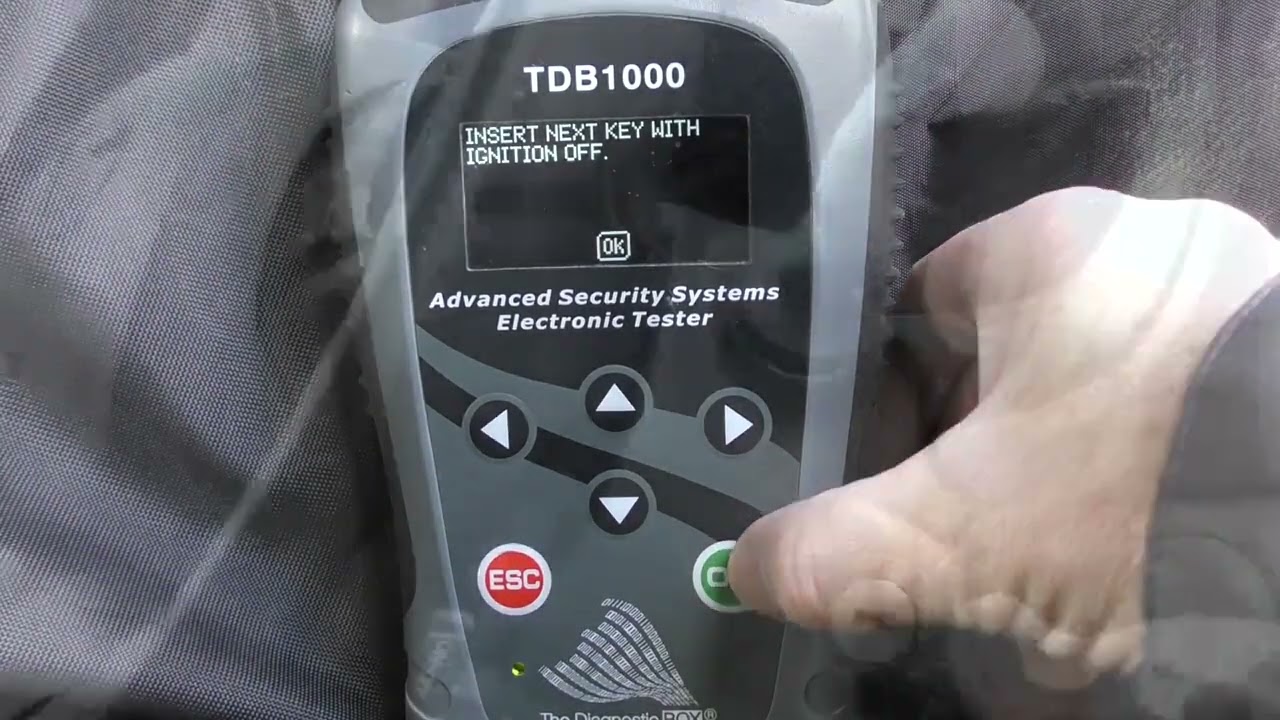
TDB1000
Immobilizer Programming
Remote Programming
Code Series
40000-49999 (Cuts: 5-5-5-5, Card: 872, ISN: 4704)
Overview
Double locked
No
Opening direction (LHD)
Clockwise
Decoder capability
Door LockIgnition
Decoding Tips
- To decode the lock, read in the SAME direction as it was picked.
- The lock has to be picked twice, first pick and turn approximately 45° and then pick again to the 90°. The lock has to be in the 90° position to decode the lock.
- Once the lock is decoded, you can turn it back to the 45° position and then
it has to be picked back to the upright position before you can remove the tool.
Media
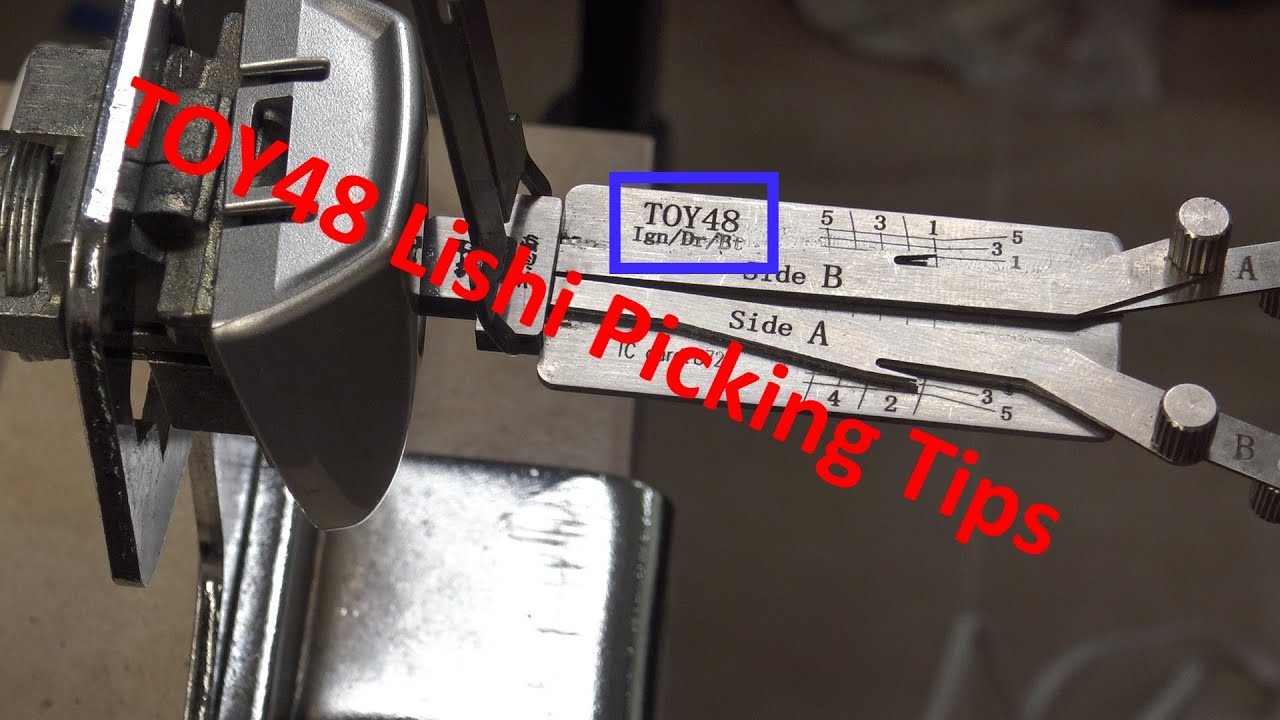
TOY48 Lishi Picking Tips
Video by Bored Lock Picker
Overview
Original key glued
No
Synchronizing
No
Repair Instructions
- Key has a separate immobilizer chip.
- There is no need to synchronize or reprogram the key after replacing the battery.
- Key shell is secured with a screw under the emblem.