

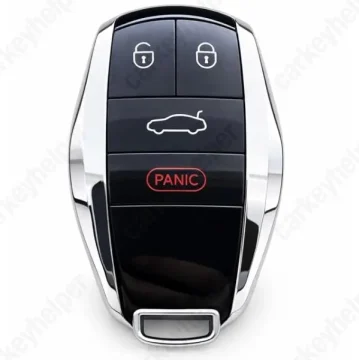
Bentley Flying Spur 2022 Smart Key
Smart key
Overview
Key Type
Smart Key
Markets
USA
Transponder
5M (MLB)
Integrated
Frequency
433 MHz
Battery
CR2032
Transponder Cloning
No
Skill Level
Beginner
Universal Keys
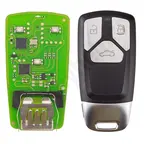
Xhorse: XSMA41EN
Test passed
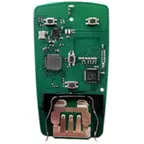
KYDZ: ZB-AD1-AD2
Test passed
Overview
Add key
OBDEeprom/Bench
All keys lost
OBD
System
MLB
Prepare dealer key
Yes
Remote programming
Automatic
All keys erased automatically
Yes
Power supply
Recommended (if under 11.5V)
Additional cables required
No
Number of key slots
8
Key Programming via OBD
General Instructions
- Key can be programmed by OBDII with OEM ODIS tester with precoded key.
- If the is car is manufactured after 2024, there is a high chance of SFD Gen 2 protection module to be installed (similar to SGW). To program keys, you need an OEM level diagnostic device or a third-party service that can unlock SFD2.
- Add key can be performed with aftermarket MLB tools like Xhorse or KYDZ, requires reading data from working key on the bench.
Add key (KYDZ)
Programming an MLB key on Audi model, but the process is the same for Bentley
Key Programming via EEPROM
Unit - Original Key (MLB system)
Original transponder: 5M
Data location: BORKUM 567128010
Programmers
ODIS Online
Recommended
Immobilizer Programming
KYDZ MLB-Tool
Recommended
EEPROM/Bench Programming
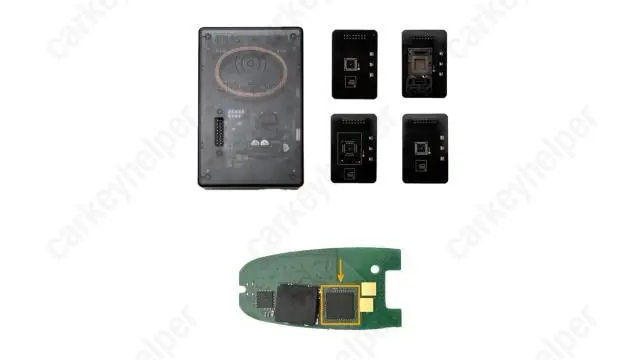
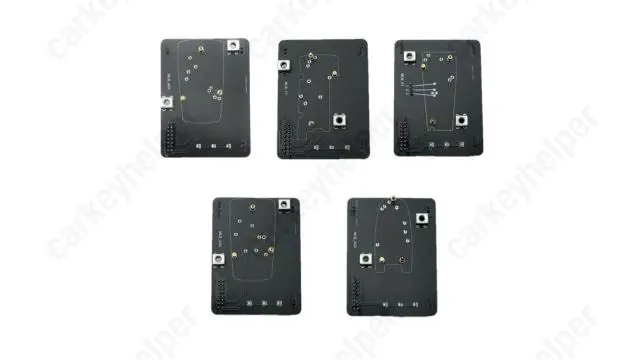
Xhorse MLB-Tool + KTP/MIDI
Recommended
EEPROM/Bench Programming
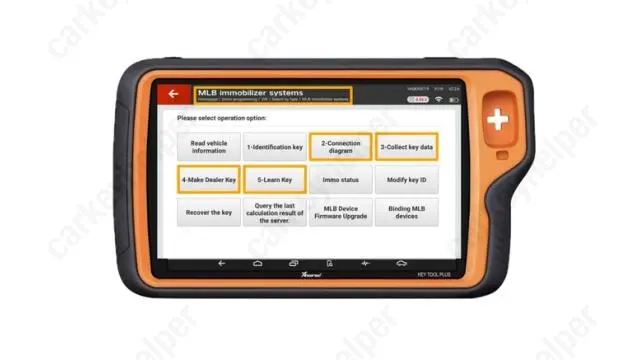
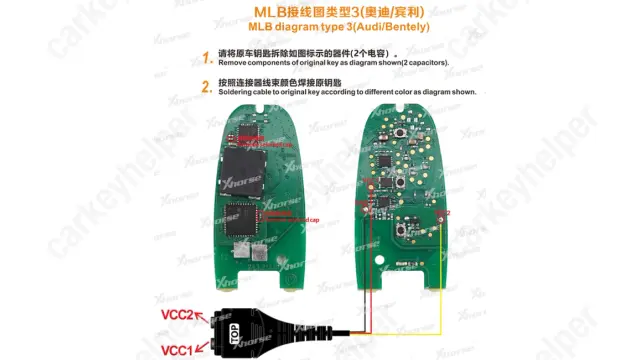
KeyDiy KD-MP + KD-X4
EEPROM/Bench Programming
Code Series
12345-4321-4321 (10-4-4 Cuts)
Media
Blade cutting tutorial
Using Xhorse Automatic machine
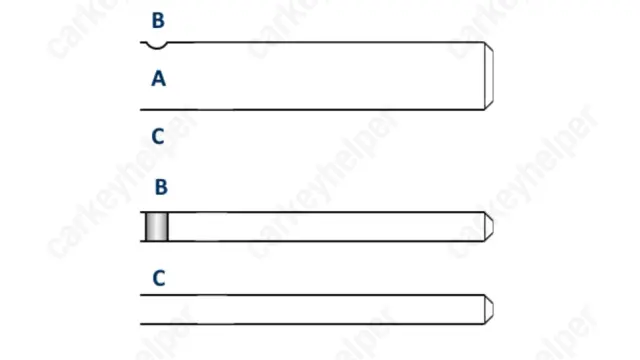
Blade
Overview
Double locked
Yes
Opening direction (LHD)
Counter-clockwise
Decoder capability
Door Lock
Decoding Tips
- The edge wafers are an unconventional design, each edge wafer will only correspond with one cut position on only one of the milled edge tracks so the opposing cut position needs to be milled to the reverse depth symbol to allow the key to be inserted completely.
Edge wafer 1 = Depth symbols 1 & 4 on their appropriate edge track axis
Edge wafer 2 = Depth symbols 2 & 3 on their appropriate edge track axis
Edge wafer 3 = Depth symbols 3 & 2 on their appropriate edge track axis
Edge wafer 4 = Depth symbols 4 & 1 on their appropriate edge track axis
Overview
Original key glued
Yes
Synchronizing
No
Repair Instructions
- All smart keys have an integrated immobilizer chip.
- There is no need to synchronize or reprogram the key after replacing the battery.