

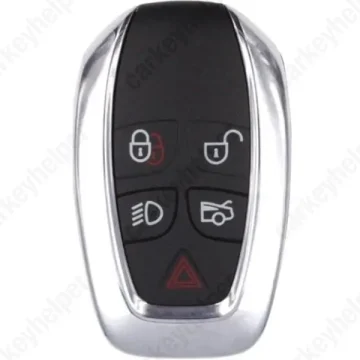
Jaguar XJ 2011 Smart Key
Smart Key
Overview
Key Type
Smart Key
Markets
EU, SA, MEA
Transponder
ID49 (PCF7953P / HITAG PRO)
Integrated
Frequency
433 MHz
Battery
CR2032
Transponder Cloning
No
Skill Level
Skilled
Universal Keys
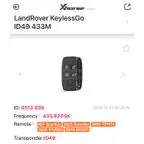
Xhorse 433Mhz: ID 0513 939
Test passed
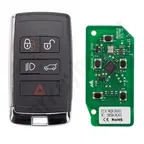
Autel JLR I-Key: ID49 433M old
Test passed
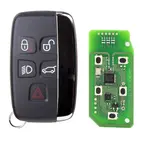
Lonsdor JLR key 433MHz
Test passed
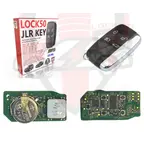
Lock50 JLR key 433MHz
Not tested
Original Keys
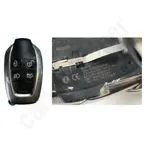
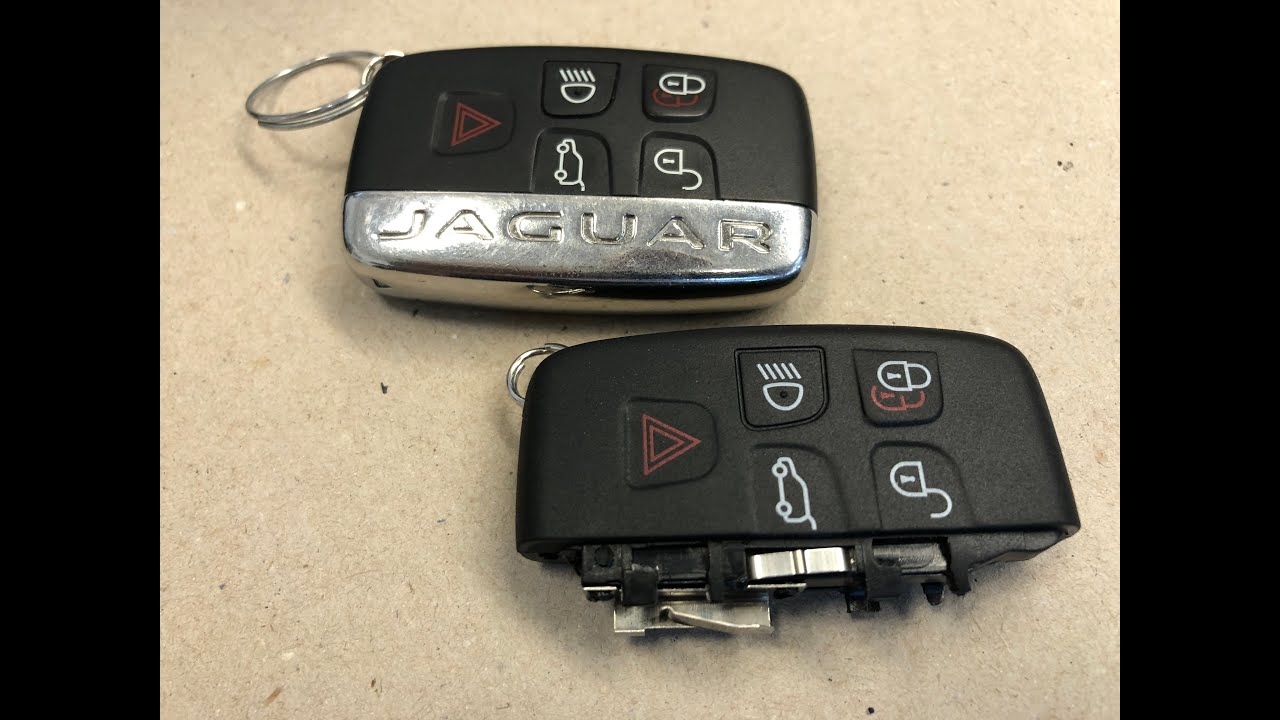
433MHz: AW93-15K601-BF, BJ32-15K601-AB/DF
Direct Programming to another vehicle
Overview
Add key
OBD
All keys lost
Eeprom/Bench
System
FK72
Prepare dealer key
No
Remote programming
Automatic
All keys erased automatically
No
Power supply
Recommended (if under 11.5V)
Additional cables required
No
Additional cables required (All keys lost)
Yes
Key Programming via OBD
General Instructions
- For the earlier models up to 2016 - perform key learning directly.
- For the models 2016 and up - use "Key Cloning" function for locked modules.
- For AKL cases "Key Cloning" function can be used via OBD, but some modules might be with updated security and have to perform Eeprom/Bench method.
- If after programming the keys don't work - disconnect the battery for 2-3 minutes and try again.
OBD Location
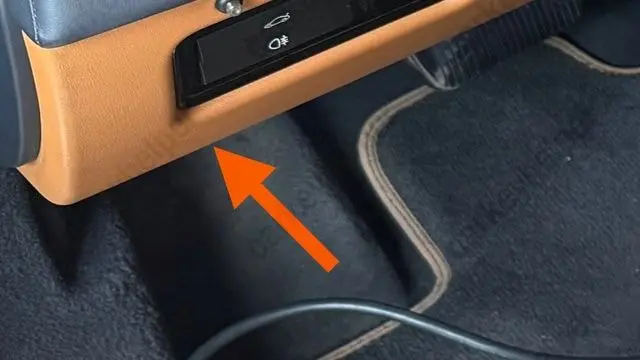
Diagnostic port is located on the left side above the pedals
Emergency Key Spot
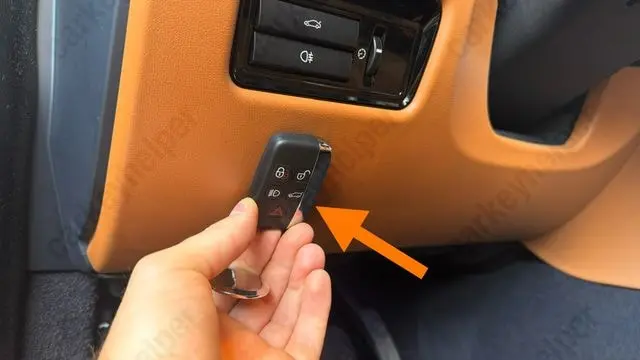
Located on the left side of the steering column, there is no key icon on it. Attach the key as shown in the picture.
Additional Cables and Adapters
All Keys Lost
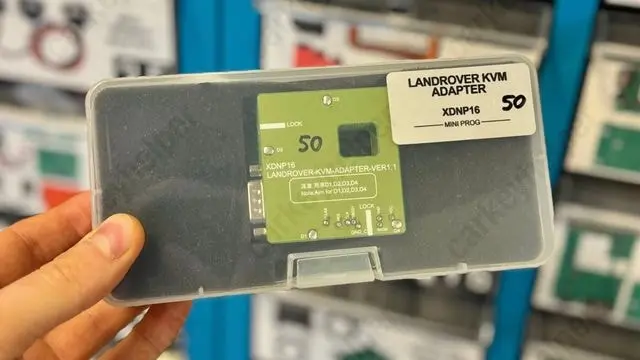
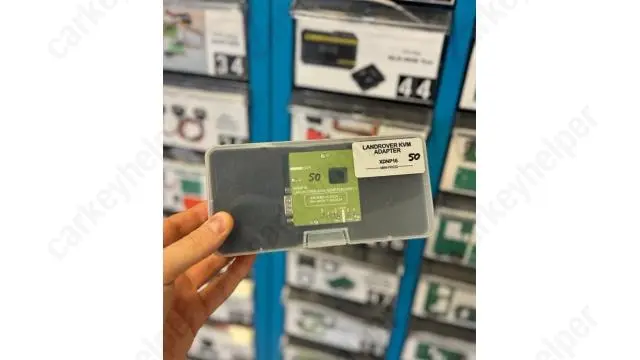
For Eeprom/Bench programming the Xhorse XDNP16 solder-free adapter is recommended. But it is also possible to to solder directly for reading/unlocking the unit using other programmers.
Key Programming via EEPROM
Unit - RFA/KVM
- RFA - Remote Function Actuator
- KVM - Keyless Vehicle Module
Tips for in-circuit reading. Read the "Chip Status" first by connecting with unsecured method, if it is unlocked - choose "Read data (unsecured)".
If chip status is "locked" - choose "Read data (secured).
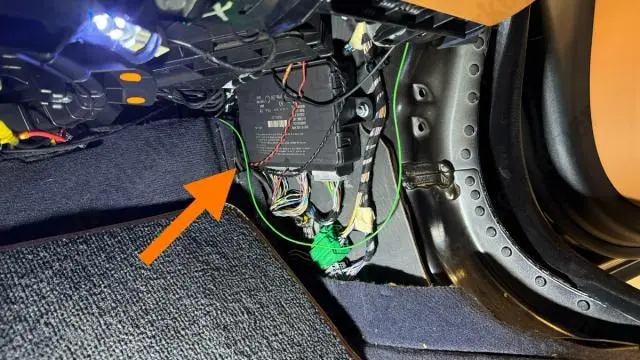
Unit location
The front passenger’s right position.
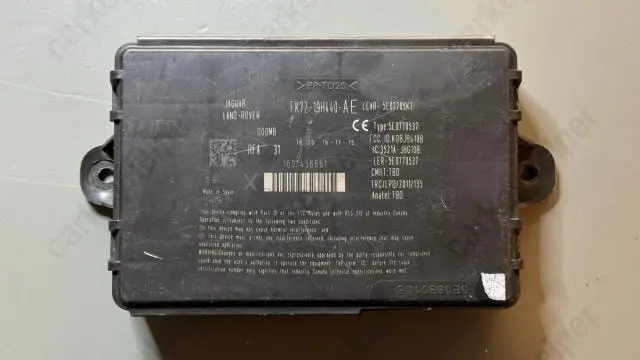
Unit - RFA/KVM
Unit: FK72
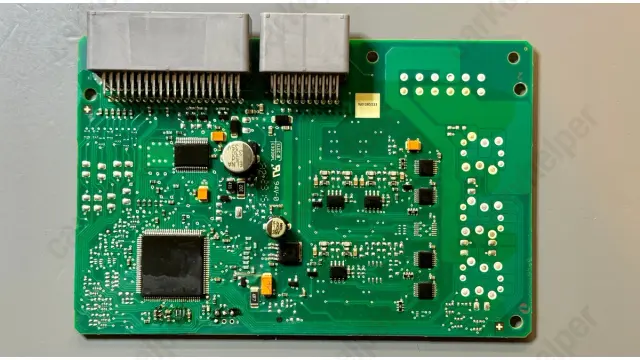
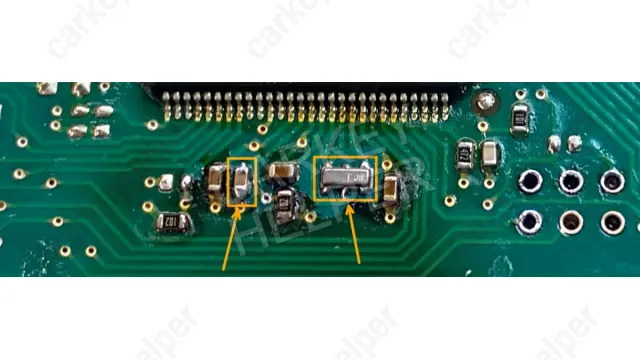
Unit PCB
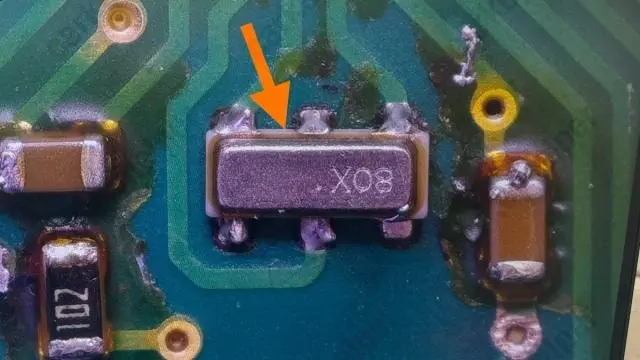
Tips for in-circuit reading
Note! When working with this unit for the first time (in-circuit) you may need to remove the crystal from the PCB if you choose to use soldering method, since there is a high risk to damage it, we recommend purchasing in advance.
Programmers
Xhorse
Recommended
Immobilizer Programming
EEPROM/Bench Programming

Abrites AVDI
Recommended
Immobilizer Programming

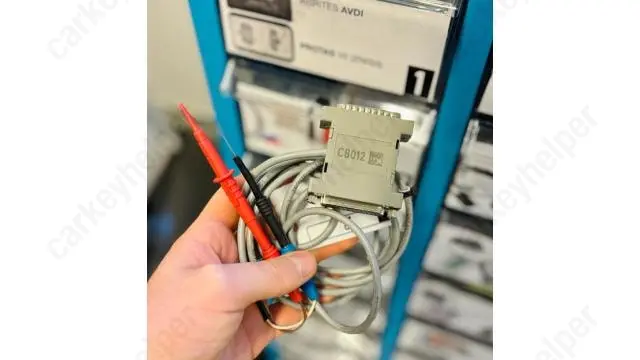
Autel
Recommended
Immobilizer Programming
EEPROM/Bench Programming


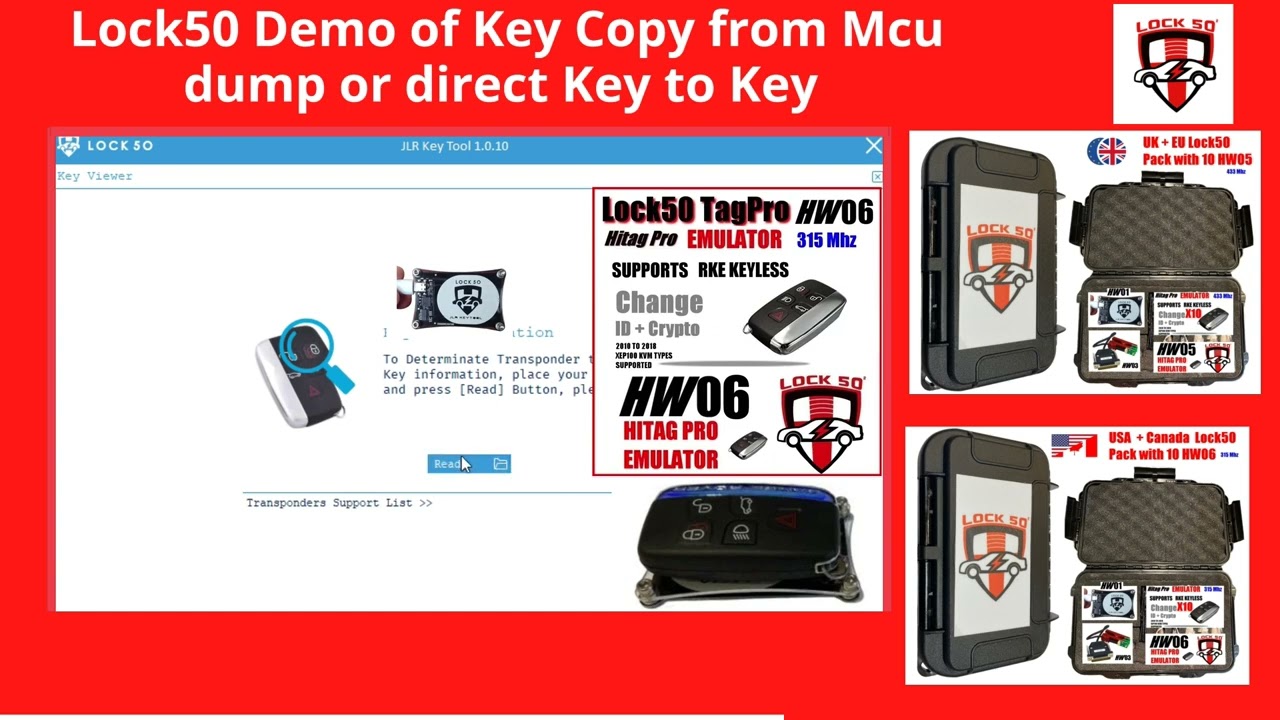
Lock50
Recommended
Immobilizer Programming
EEPROM/Bench Programming
Lonsdor K518 PRO
Recommended
Immobilizer Programming
EEPROM/Bench Programming
Yanhua ACDP
Recommended
Immobilizer Programming
EEPROM/Bench Programming

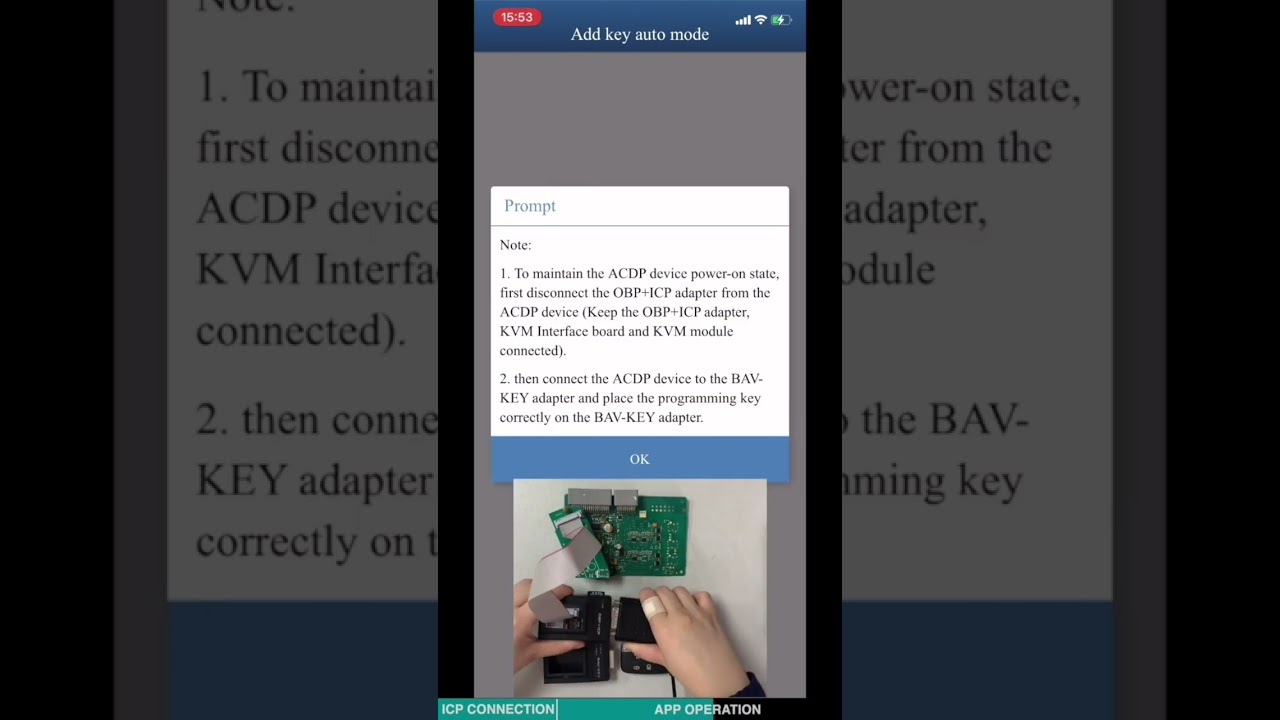
Xtool x100 Pad3
Immobilizer Programming
EEPROM/Bench Programming

Zed-Full
Immobilizer Programming
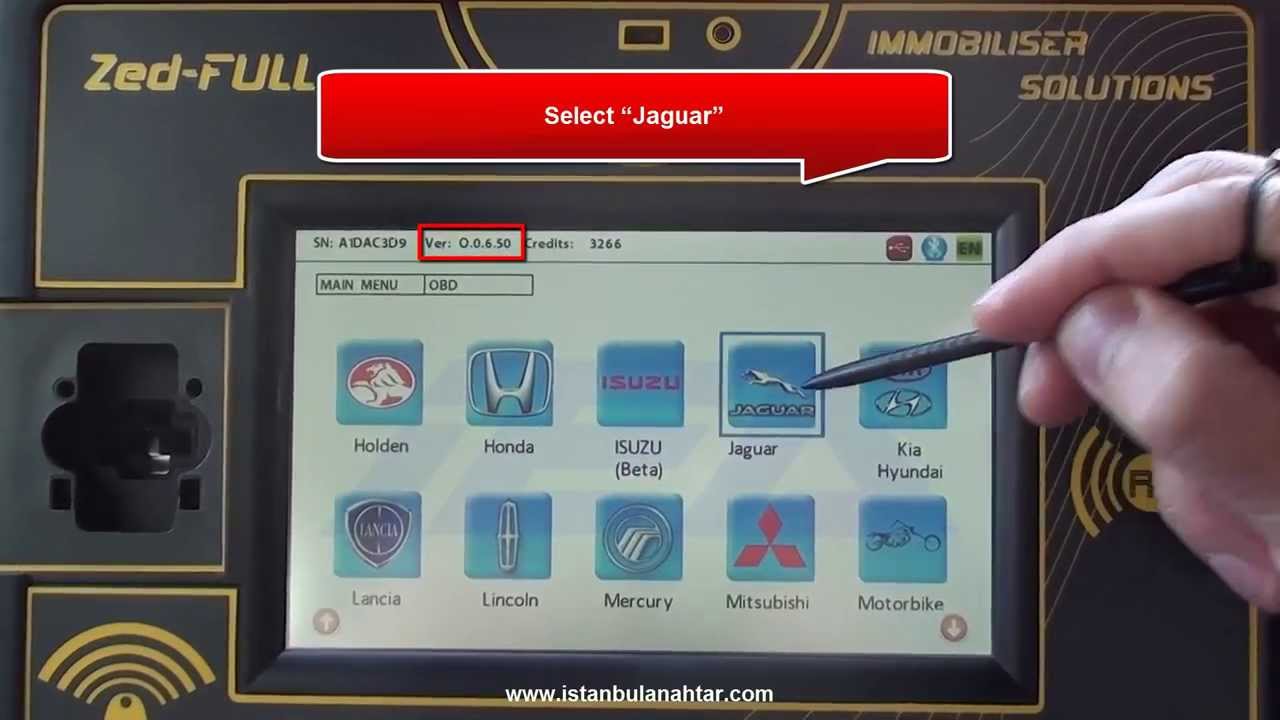
Smart Pro
Immobilizer Programming
MVP / AD100 Pro
Not supported
TDB1000
Not supported
TMPro2
Not supported
Keydiy KD-X4
Not supported
Code Series
1-4000 (Ford, Land Rover, Range Rover)
4001-9001 (Range Rover)
Media
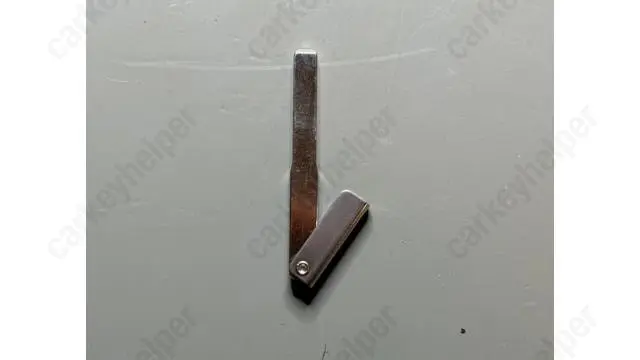
Emergency blade
Jagauar - Land Rover blade style
Emergency blade cutting
Cutting video instruction with Xhorse automatic machine + tips in AKL scenario
Overview
Double locked
Yes
Opening direction (LHD)
Clockwise
Decoder capability
Door Lock
Decoding Tips
- There will never be more than 2 height differences between wafers next to each other.
- Picking this lock requires a very light turning tension.
- No keys contain a depth #1 in the first position.
- All keys contain a depth #2 in the last position.
- There are only five possible cut combinations for the last three positions: 132 (28%), 532 (22%), 312 (20%), 232 (16%), 422 (14%)
- Lishi 2-in-1 decoder for 10 cuts works also for 8 cut locks.
- To decode the lock, read in the SAME direction as it was picked.
Media
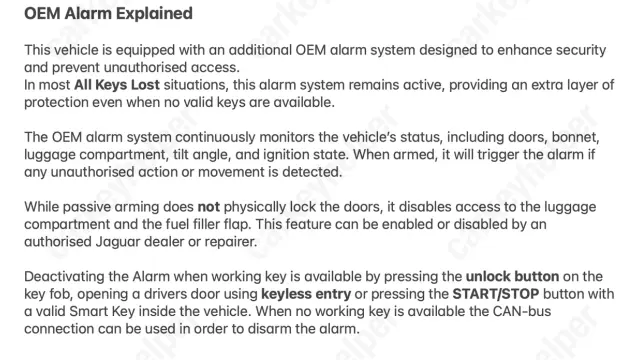
OEM Alarm Explained
Double Locking Explained
Overview
Original key glued
No
Synchronizing
No
Repair Instructions
- All smart keys have an integrated immobilizer chip.
- There is no need to synchronize or reprogram the key after replacing the battery.