

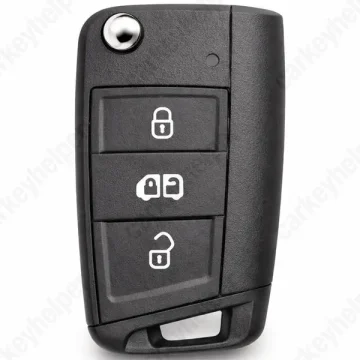
MAN TGE 2017 Remote Key
Remote Key (MQB48)
Overview
Key Type
Remote Key
Markets
EU
Transponder
MQB48
Integrated
Frequency
433 MHz
Battery
CR2025
Transponder Cloning
No
Skill Level
Expert
Universal Keys
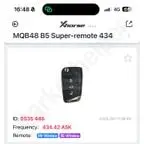
Xhorse: 0535 446
Test passed
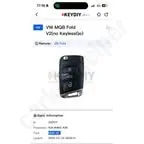
Keydiy ID Z00517
Not tested
Original Keys
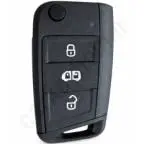
This vehicle can be equipped with next part numbers, but not limited to: 7C0959752F, 7C0959752C, 7C0959752G, 5G6959752CF, 5G6959752BF, 5G6959752CS
Overview
Add key
OBDEeprom/Bench
All keys lost
OBDEeprom/Bench
System
MQB48
Prepare dealer key
Yes
All keys erased automatically
Yes
Power supply
Recommended (if under 11.5V)
Additional cables required
No
Number of key slots
8
Key Programming via OBD
General Instructions
- Add key procedure is next: for vehicles 2017-2019 try to add key directly via obd. If it fails due to not supported cluster, use original key to read data from it using MLB/MQB Tool.
- Add key for vehicles 2020-2021, use MLB/MQB tool for reading data from original key.
- AKL requires programming on the bench or purchasing immo and synchronisation data from third parties.
Key Programming via EEPROM
Unit - Instrument Cluster
Transponder: MQB48
Immo location: Dashboard
Data location: D70F3xxx
Reading: In circuit or solder-free adapters
Heating temperature: 350°C
Procedure for add key: Read data from IC and learn keys via OBDII
IC Types: There are many versions of MQB dashboards, find the right one and follow the instructions
Note! At this moment in time neither Xhorse or Abrites support all MQB instrument clusters.
Troubleshooting: If after programming the instrument cluster periodically reboots, this means unsuccessful reading/writing on the bench that led to hardware malfunctions. Solution - write data (encrypted) to another used instrument cluster with same part number.
Programmers
ODIS Online
Recommended
Immobilizer Programming
KYDZ MLB Tool + MQB Adapter
Recommended
Immobilizer Programming
EEPROM/Bench Programming
Xhorse MLB Tool + MQB Adapter
EEPROM/Bench Programming
KeyDiy KD-MP + KD-X4
Immobilizer Programming
EEPROM/Bench Programming
Xhorse VVDI2 + VVDI Prog
Immobilizer Programming
EEPROM/Bench Programming
Abrites AVDI
Immobilizer Programming
EEPROM/Bench Programming
TDB1000
Immobilizer Programming
Smart Pro
Immobilizer Programming
Code Series
12345-4321-4321 (9-3-3 Cuts)
Media
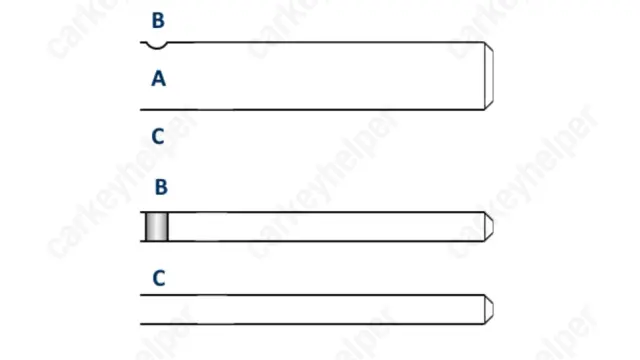
Blade cutting tutorial
Using Xhorse Automatic machine
Blade
Overview
Double locked
Yes
Opening direction (LHD)
Counter-clockwise
Decoder capability
Door LockIgnitionBoot/Trunk
Media
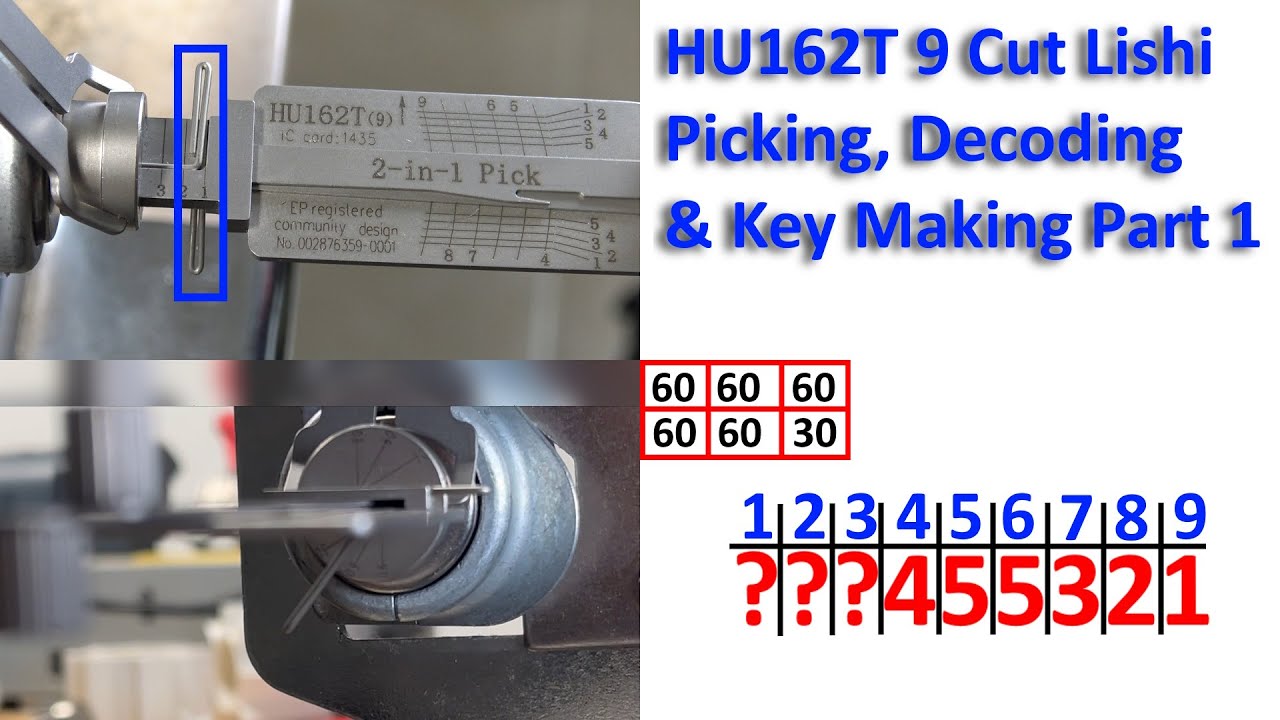
Decoding (Part 1)
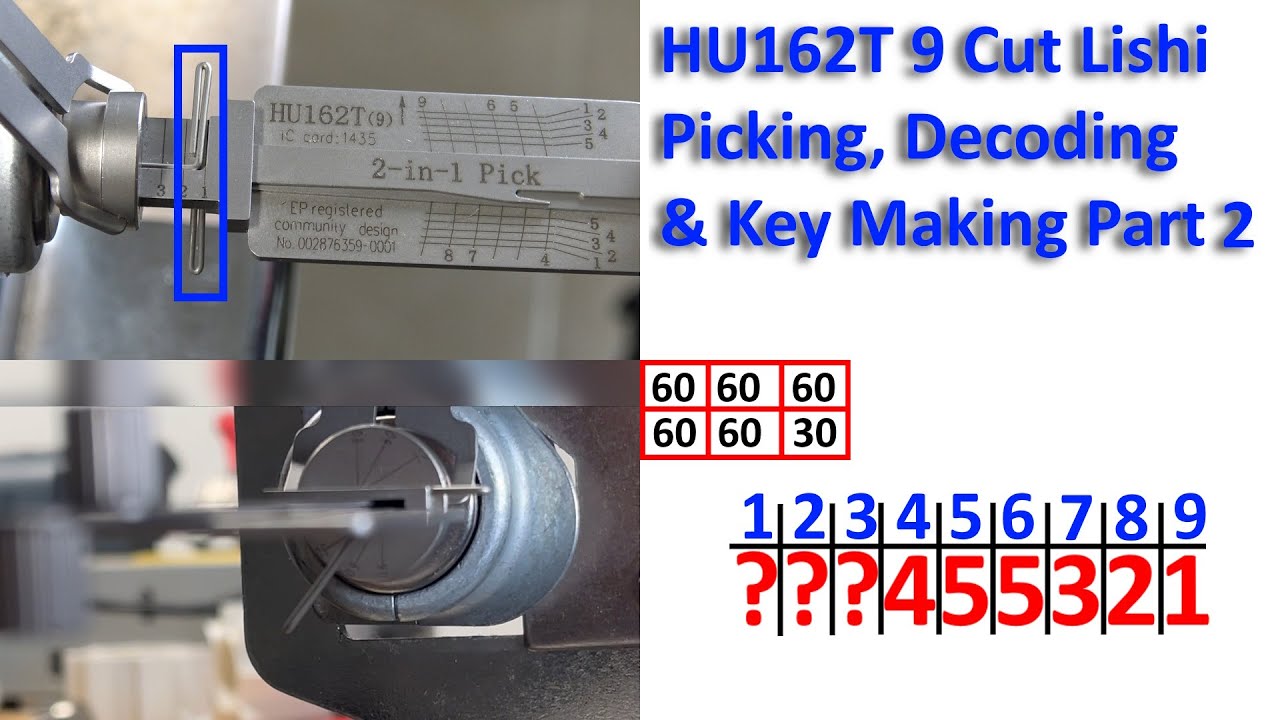
Decoding (Part 2)
Overview
Original key glued
Yes
Synchronizing
Yes
Repair Instructions
If you cannot lock or unlock the vehicle with the vehicle key, follow this steps:
1. Stand next to the vehicle
2. Press the unlock button on the remote control vehicle key two times in quick succession
3. Remove the emergency blade from the key
4. Manually unlock and lock the drivers door
5. Stand next to the vehicle
6. Press unlock the button on the remote control vehicle key.
7. Manually unlock the vehicle using the emergency key.
8. The synchronisation is complete.